- DATE:
- AUTHOR:
- Zowie Team
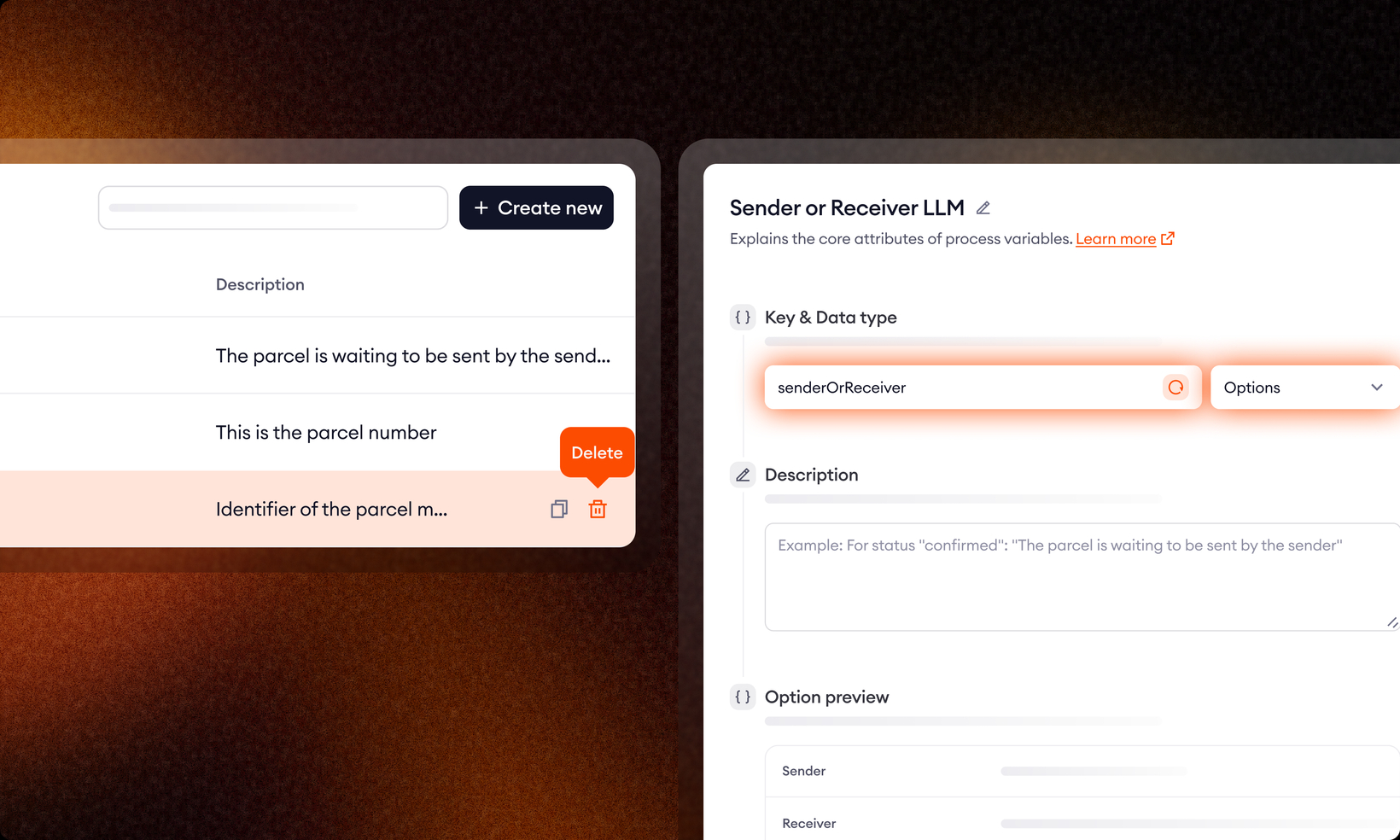
Decision Engine: functional and UX improvements
Building a process in Zowie should feel as clear and intuitive as the process itself. This release is about reducing the friction that builds up when you spend a lot of time inside the Process Builder - so you can focus on what matters.
Here's what's new.
Data Types and Variables
Guided setup
Adding and defining Variables now comes with a guided interface that walks you through the setup step by step. Less guesswork, fewer configuration mistakes.
Delete Variables
You can now delete Variables directly from the interface. Clean up as you go, without workarounds.
Data Type transparency
Every Variable now shows which Data Type it's built on - for example, a userPhoneNumber Variable will clearly display that it's based on the Phone Number Data Type. Easier to understand your process structure and catch issues early.
Process Builder
Duplicate blocks
Duplicate any block via the block menu or with CTRL + D (Windows) / CMD + D (Mac). A big time-saver when your process repeats similar logic across multiple steps.
Copy, paste, and duplicate with an open block form
This one came directly from your feedback. You no longer need to close a block form or use Shift + Drag before copying, pasting, or duplicating blocks. All shortcuts now work while a block form is open - they activate when the canvas is focused to keep everything stable.
These improvements are live now. Reach out to your Technical Account Manager if you have any questions.