- DATE:
- AUTHOR:
- Zowie Team
Meet Spotlight: Your New Command Menu in Zowie
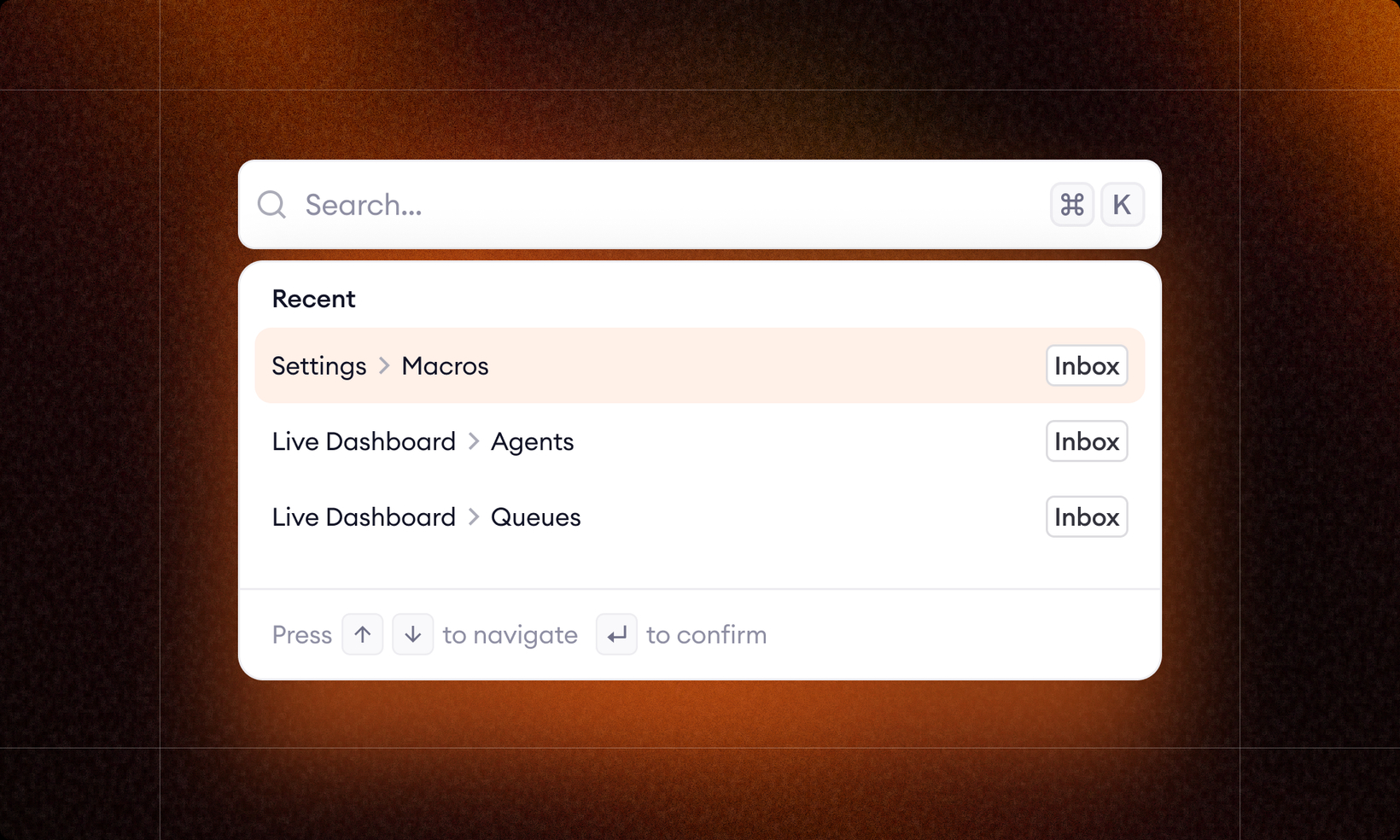
Spotlight is now available in the Admin Panel, giving you a faster, more intuitive way to move around Zowie. Think of it as a command palette that lets you jump anywhere with just a few keystrokes.
Here’s what you can do with Spotlight:
Open it instantly: Press CTRL + K or CMD + K from anywhere in the Admin Panel.
Search across Zowie: Find pages, features, and settings using the same familiar search logic you’re used to.
Jump to conversations quickly: Type a number or a number with # (e.g., #1234) to go directly to a specific conversation view in Zowie Inbox.
Enjoy a clean, modern UI: Designed for speed and clarity.
Use natural aliases: Spotlight understands common terms—like “Intents” → “Routing” and “Workflows” → “Processes.”
Spotlight is available as part of the new navigation experience. If you’re still on the old one, your existing interface will remain unchanged.