- DATE:
- AUTHOR:
- Zowie Team
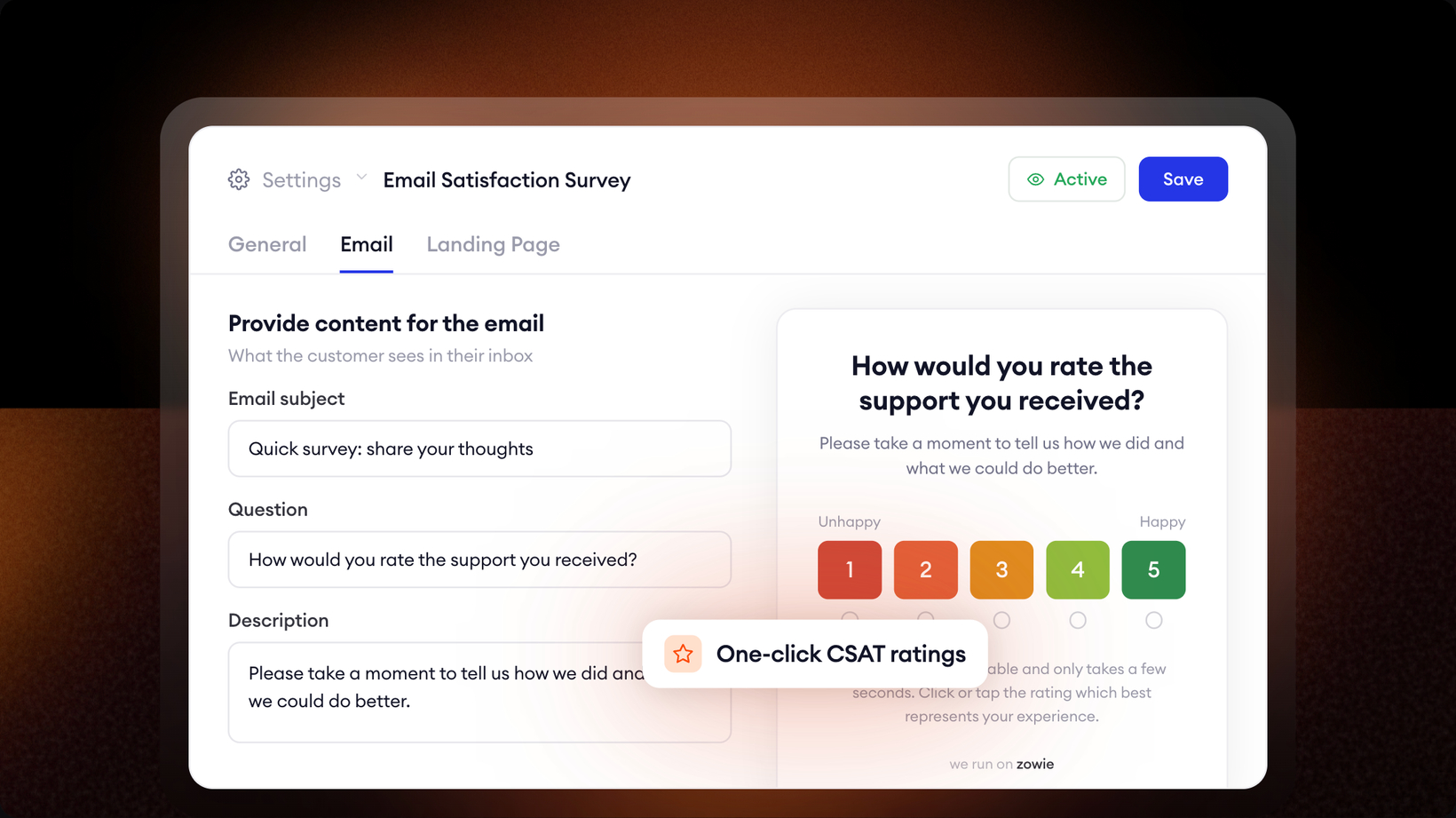
Email Satisfaction Survey
Your CSAT score is only as honest as the conversations behind it. Survey the wrong ones and the number tells you nothing.
Email CSAT configuration lets you set that up end to end: which resolved email conversations trigger a survey, when it goes out, and exactly what the customer sees.
Control which conversations get surveyed:
Send delay. Wait anywhere from immediately to 72 hours after resolution before the survey goes out.
Queues. Survey selected queues, or leave it empty to cover all of them.
Skip by topic. Exclude specific topics, and optionally skip conversations that have no topic at all.
Skip by email. Exclude a whole domain (@example.com) or a single address, so internal and partner contacts never get surveyed.
Emails resolved by the AI agent. Optionally survey email conversations the Email AI Agent resolved from the Inbox. These aren't tied to a queue, so they use your default survey content.
Then make it yours. Upload your logo and rewrite every piece of copy: subject, question, rating labels, descriptions, and the confirmation and already-rated states. Every touchpoint matches your brand.
Per-queue overrides go one step further. Give specific queues their own survey and landing-page content instead of a single global template. Queues without an override fall back to your default, and each queue belongs to one override.
All settings live in Inbox → Settings → Email CSAT.