- DATE:
- AUTHOR:
- Zowie Team
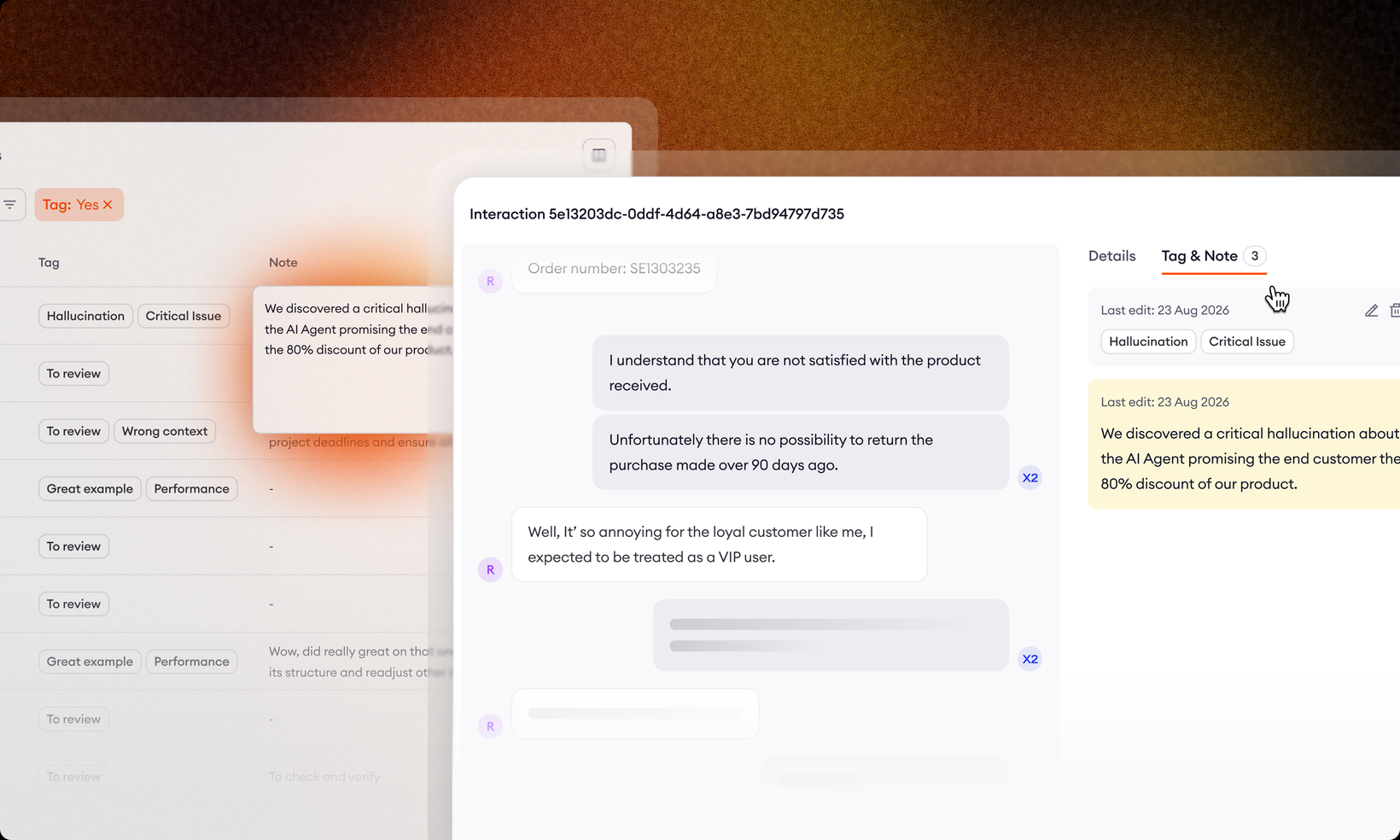
Interaction Tags and Notes
We are happy to roll out a new annotation system within the Supervisor Interaction View. This update is designed to help users categorize interactions and document findings directly within the platform.
What’s New?
Custom Tagging: add multiple text labels (like "to review," "issue," or "awesome") to any interaction. These appear as removable chips and help track specific patterns
Notes: leave a concise, free-text note directly on an interaction. To keep things clean, any updates to the note will modify the existing text block rather than creating a long thread. It also includes a "Last edit" timestamp so you always know when it was last updated.
Tag-Based Filtering: filter the main Supervisor table by specific tags to instantly isolate the interactions needed
Getting Started You can find these new tools by opening any interaction and clicking the new Tag & Note tab on the right-hand side.
See documentation for a step-by-step guide with screenshots.