- DATE:
- AUTHOR:
- Zowie Team
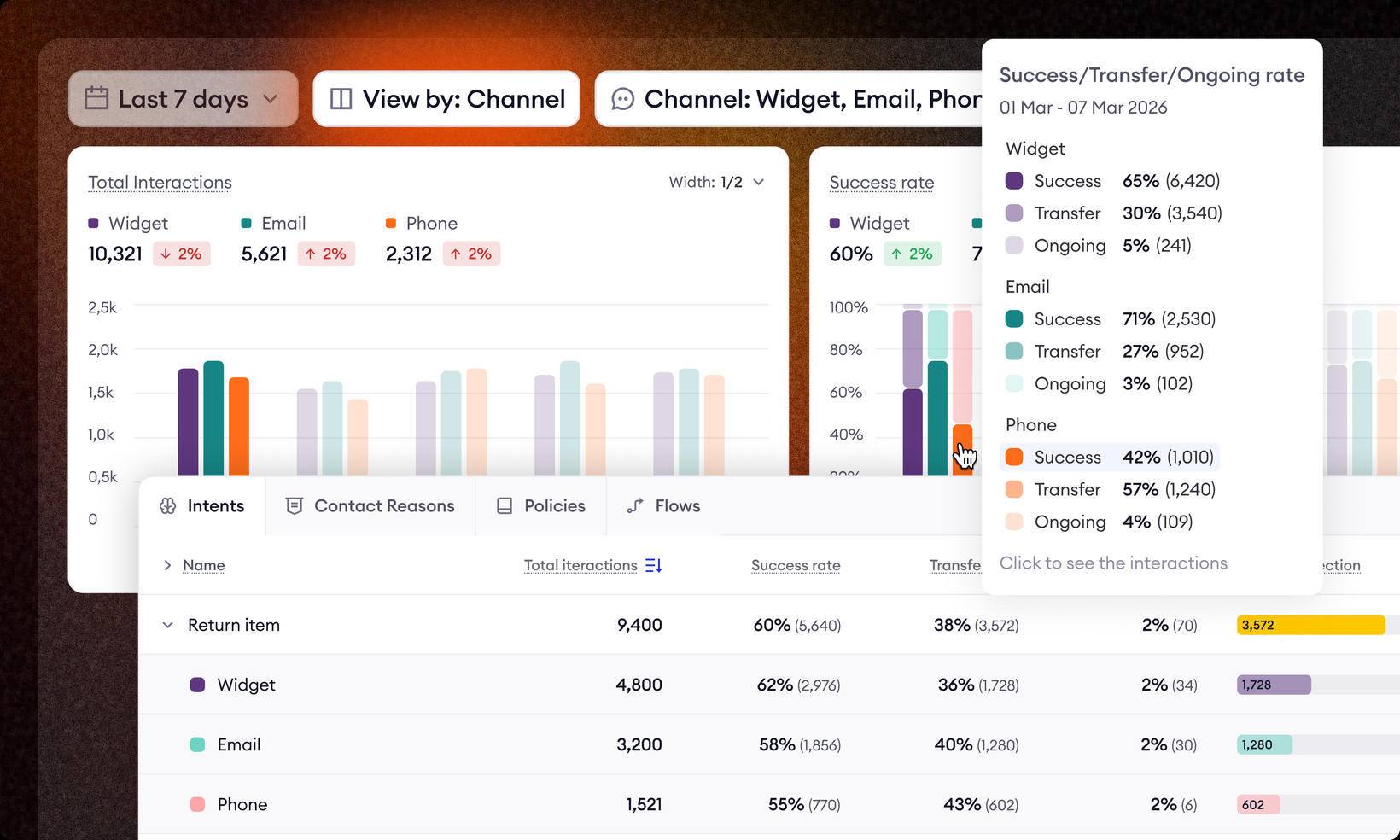
Supervisor Dashboard: Breakdown by Channels
Your agent doesn't perform the same on every channel
Your AI agent runs across multiple channels. But until now, Supervisor dashboard showed one blended number. A 76% success rate sounds fine. But what if chat is at 92% and email or phone is at 21%? That's not the same problem, and it doesn't have the same fix.
Here is what's new:
Supervisor now breaks down every key metric by channel - success rate, transfer rate, CSAT, as well as intents, knowledge base entries, flows, and contact reasons
Success, transfer and ongoing rates in interaction breakdown table now show as a single percentage with the absolute number in brackets - e.g. 76% (1,240)
We added Missed Deflection as a dedicated column. It shows the number of interactions that required human agent involvement. Every single one is an opportunity - either to improve your AI agent's configuration, or to rethink the process behind it so it doesn't need a human at all.
Because everyone looks at data differently, you can now resize each chart and switch between bar, line, and area views. Set it up the way that actually makes sense to you
This is what managing an AI agent actually looks like. Not just checking a number — but knowing what's behind it.